The Code Snippet Tool for Beautiful Code Images

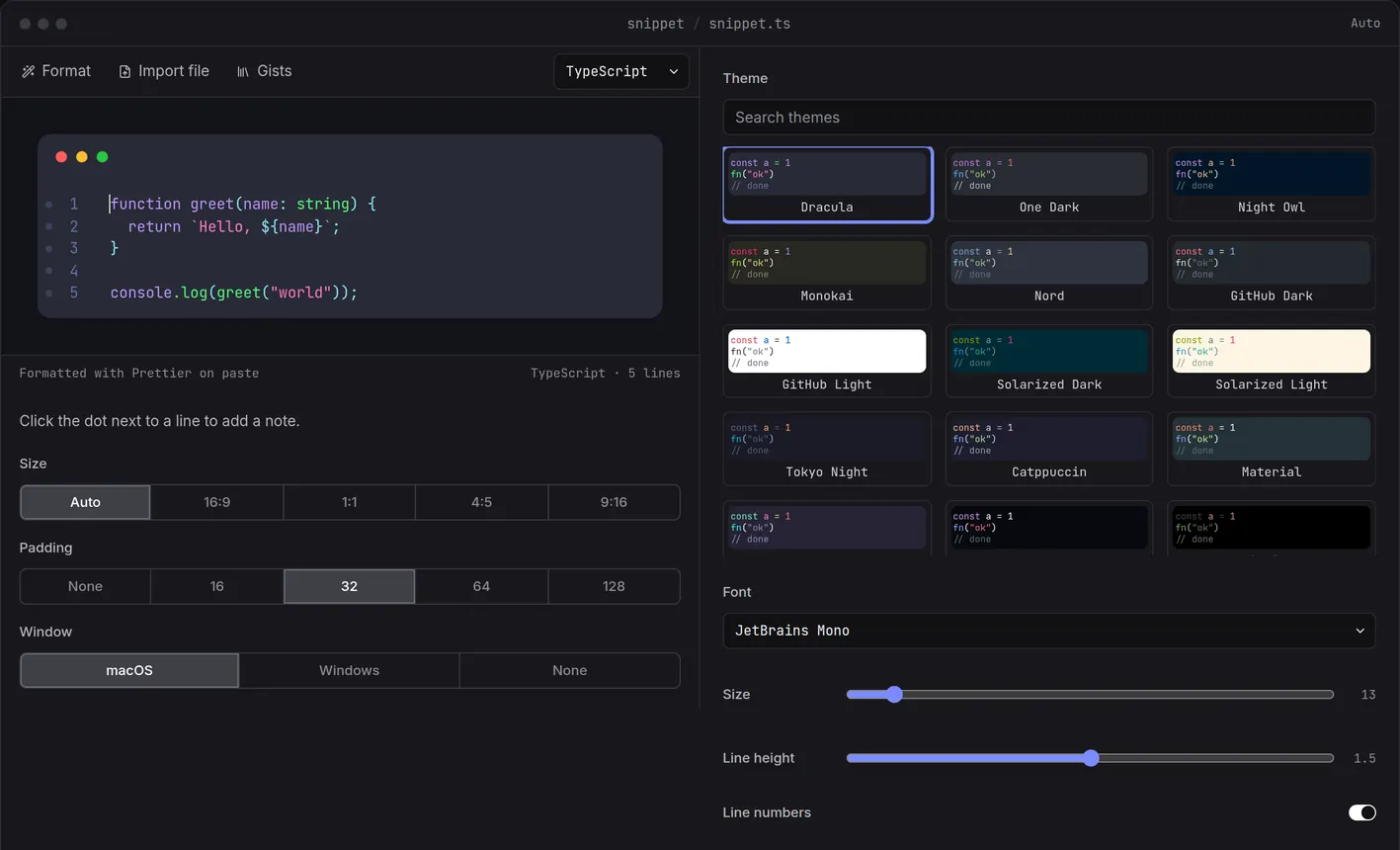
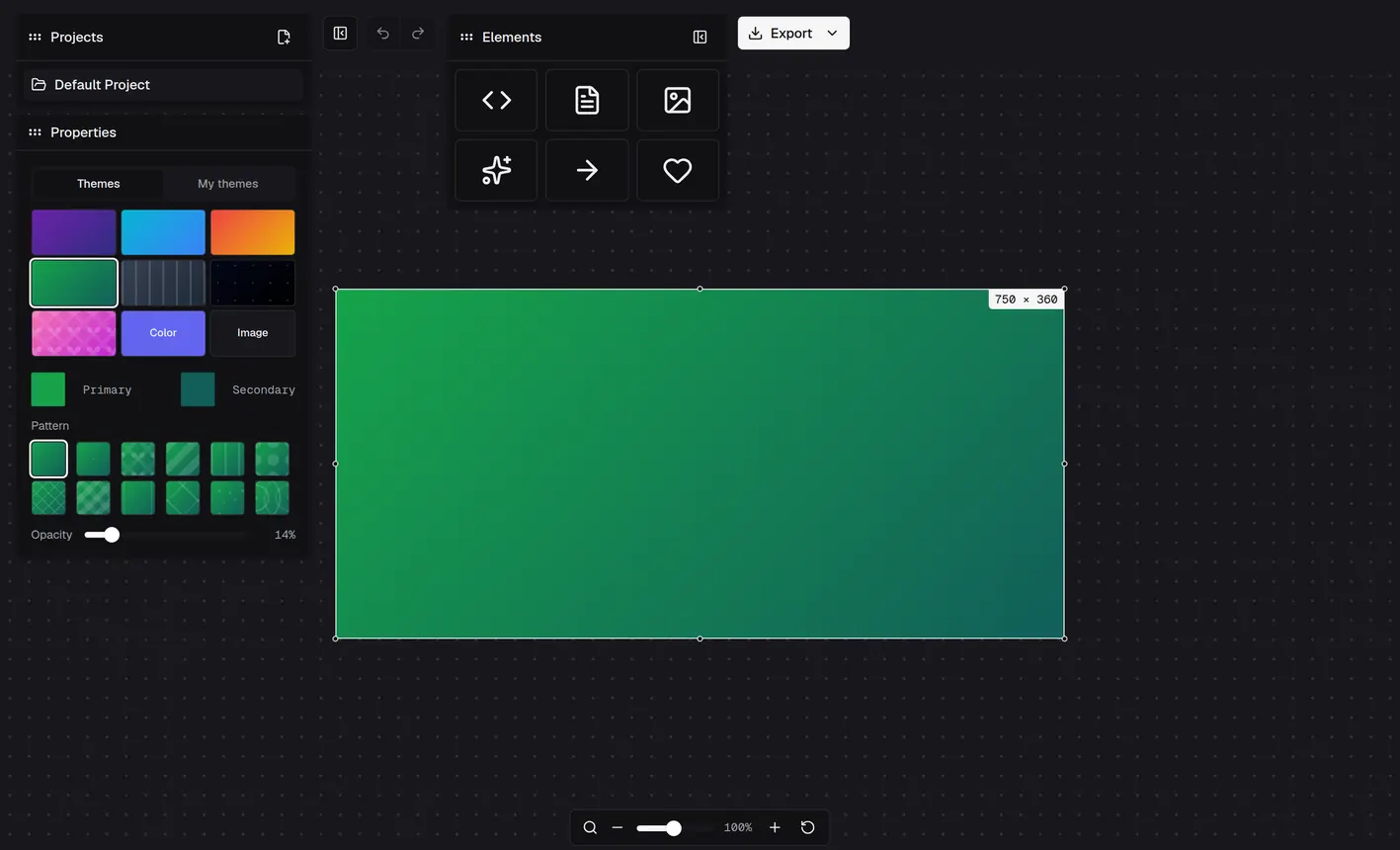
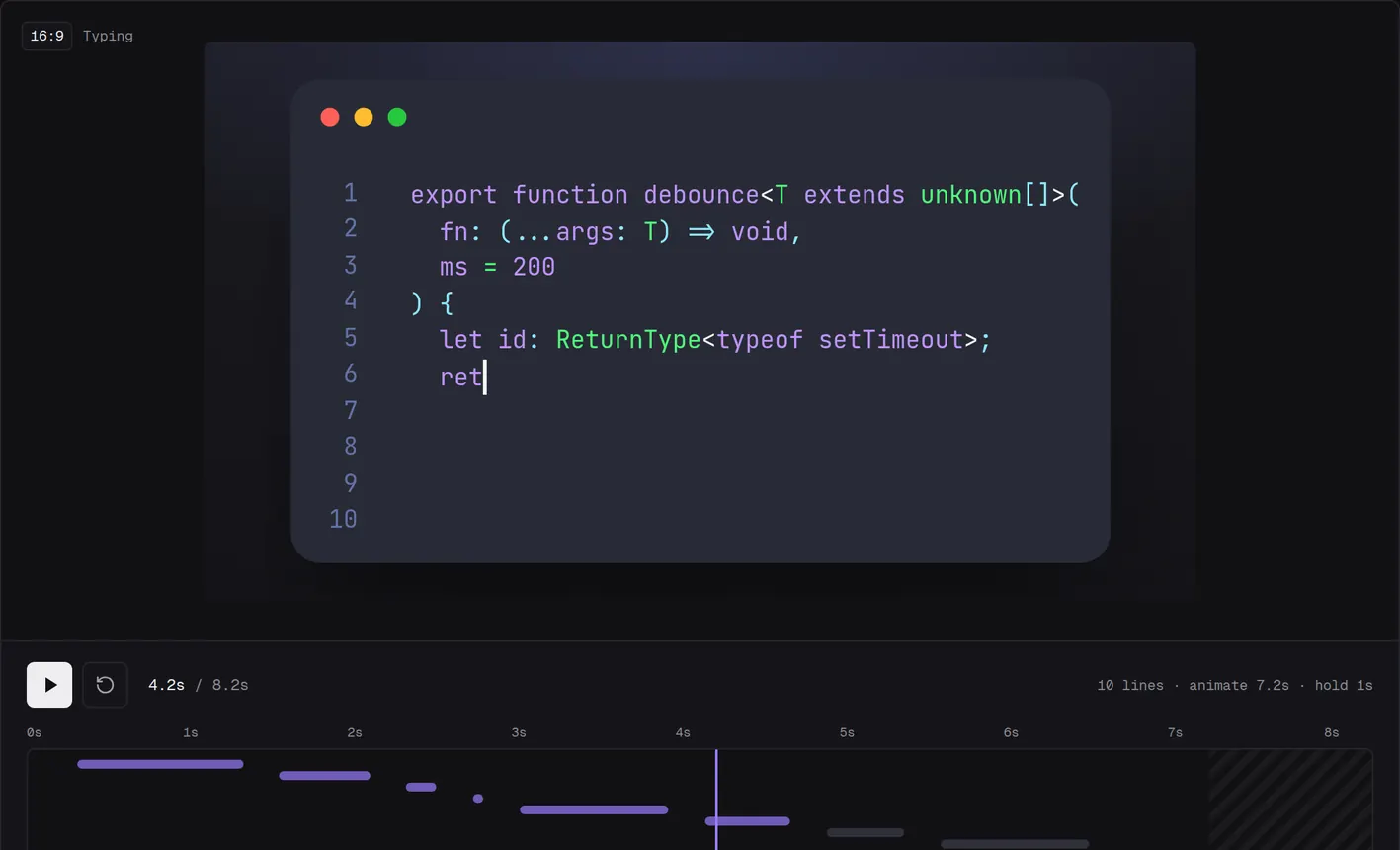
Snipsco is a free, browser-based canvas tool for creating beautiful code snippet images. Combine syntax-highlighted code blocks with shapes, arrows, and text labels — on a gradient canvas.

Gists collection

Gists collection — your personal code library

Create a free account to unlock your Gists collection — a personal, cloud-backed library of code snippets. Save your best tricks, filter by language or date, and open any gist directly on the canvas with one click.

Cloud-backed storage

Your gists are stored securely in the cloud and accessible from any device. No local storage, no syncing headaches.

Filter & sort

Quickly find what you need — filter by programming language and sort by creation date to stay organized.

One-click canvas

Select any gist and open it directly on the canvas. Add notes to each one so you never forget the context.

IDE Extensions

Send code to your Gists without leaving your canvas

Select any code block in your IDE and push it straight to your Gists collection with a single command. No context switching, no copy-paste.

VS Code
Work in progress

VS Code & forks

Works with VS Code, Cursor, Windsurf, and any VS Code-based IDE. Select code, run the command, done.

JetBrains
Work in progress

JetBrains IDEs

IntelliJ IDEA, WebStorm, PyCharm, and the full JetBrains family. Highlight your snippet and send it with one action.

Zed
Coming soon

Zed IDE

Zed support is on the roadmap. Fast IDE, fast extension — coming soon for zed.dev users.

How it works

From paste to publish in seconds

1

Paste your code

Add a code block, pick a language, and paste. Syntax highlighting applies instantly with any of the 9 themes.

2

Style your canvas

Choose a gradient background. Add shapes, arrows, or text labels. Drag, resize, rotate anything freely.

3

Export & share

Click Export → PNG or copy to clipboard. Share on Twitter, Slack, your blog, or anywhere you need.

Canvas elements

More than a code screenshot tool

Snipsco's canvas lets you compose multiple elements — code blocks, shapes, arrows, and text — into a single image. Annotate, highlight, and connect concepts visually.

  • Code blocks — 9 themes, 25+ languages, auto-formatting via Prettier
  • Shapes & arrows — connectors snap to element edges automatically
  • Free-form canvas — drag, resize, rotate, and layer any element freely
Themes & Backgrounds

9 code themes, 7 gradient backgrounds

Every theme is hand-crafted with a distinct color identity. Pick the one that matches your vibe, then set the perfect stage with a gradient workspace.

Nebula
// deep violet
const x = 42
log("hello")
Slate
// cool navy
const x = 42
log("hello")
Ocean
// deep blue
const x = 42
log("hello")
Sunset
// warm ember
const x = 42
log("hello")
Forest
// lush green
const x = 42
log("hello")
Umber
// warm stone
const x = 42
log("hello")
Graphite
// cool zinc
const x = 42
log("hello")
Void
// pure dark
const x = 42
log("hello")
Pink
// rose fuchsia
const x = 42
log("hello")

Gradient workspaces

Nebula
Ocean
Sunset
Forest
Graphite
Void
Pink

25+ languages supported via Prism.js — TypeScript, JavaScript, Python, Rust, Go, Java, C#, Swift, Kotlin, SQL, GraphQL, Bash, and more.

Use cases

Built for everyone who loves clean code

Developers

Share code reviews, document APIs, and post polished snippets on GitHub, Slack, or developer forums.

Content Creators

Produce scroll-stopping code visuals for Twitter threads, YouTube thumbnails, and technical newsletters.

Educators

Create clear, legible code examples for courses, slides, and tutorials — without wrestling with screen capture.

The Story

Why Snipsco exists

Snipsco wasn't planned. It started as a weekend experiment to see if I could make a simple code snippet editor with AI. It's now a daily-use tool for me, and I'm happy to share it with you.

Made by me, Ion Prodan, I share code all the time — nice tricks, clever solutions, code that made me laugh and code that made me cry. And every time I wanted to make that snippet look good, the tools fell short.

I'm not an indie hacker, and I'm not a designer. I'm a developer who loves to code and share code, and all tools I tried before Snipsco fell short. 👇

The tools I tried before Snipsco

Snappify

Great for slides. But limited arrows on the free tier — paying for Pro just to add a few more connectors never made sense.

ray.so

Free and clean — but code-only. No shapes, no arrows, no way to compose and annotate a full canvas.

Carbon

Another solid free option, but the same limitation: a single code block with no extra canvas elements.

There was no plan to build anything. Then one day I asked Gemini Pro on Google AI Studio to prototype an idea using Angular — a language I know well — and it did a surprisingly good job.

"In a matter of seconds I understood — I can make this, and make it so much better than what we have."

Read the full story here.

Ready to make your code shine?

Open the canvas, paste your snippet, pick a theme — and export a stunning screenshot in under a minute.

Open the Canvas
FAQ

Frequently asked questions

Yes — the canvas, all themes, and PNG export are completely free, forever. No credit card, no usage limits. Create a free account to unlock your personal Gists collection.

No account needed. Open the canvas and start immediately — your work is automatically saved to your browser using IndexedDB. Sign up for a free account to unlock the Gists collection, but note that only Gists are synced to the cloud; your canvas snippets stay local to your browser.

The Gists collection is your personal, cloud-backed library of code snippets — free for all registered users. Save gists with a title and notes, filter by language, and open any gist directly on the canvas with one click. You can also push code straight from your IDE using the Snipsco extension for VS Code or JetBrains. Regular canvas snippets are stored only in your browser.

By default, your canvas data (snippets) live entirely in your browser using IndexedDB, and are never sent to any server. Only when you explicitly save a gist does your code get synced to the cloud. The only other server call is the optional Prettier formatting endpoint — code sent there is processed and immediately discarded. See our Privacy Policy.

Snipsco uses Prism.js for syntax highlighting, supporting 25+ languages — TypeScript, JavaScript, Python, Rust, Go, Java, C#, CSS, HTML, SQL, Bash, GraphQL, Markdown, and more.

Absolutely. All images you create with Snipsco are yours to use in any context — blog posts, courses, marketing materials, client projects, or anything else.