Blog
Guides for turning code and markup into images.
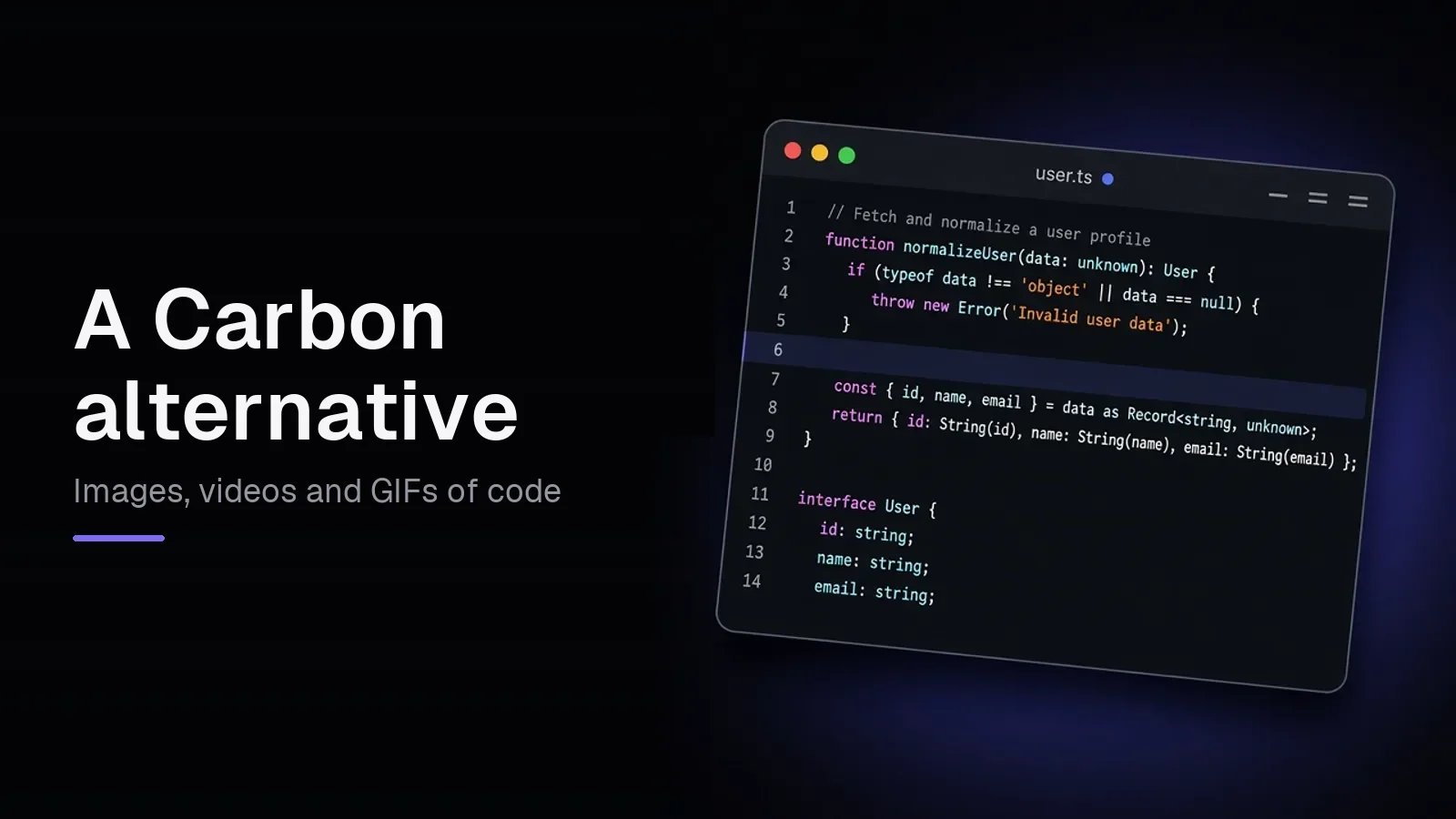
A Carbon alternative for code images and videos
Compare Snipsco with Carbon and ray.so for code images: what each one exports, which sizes it offers, and when Carbon is all you need.
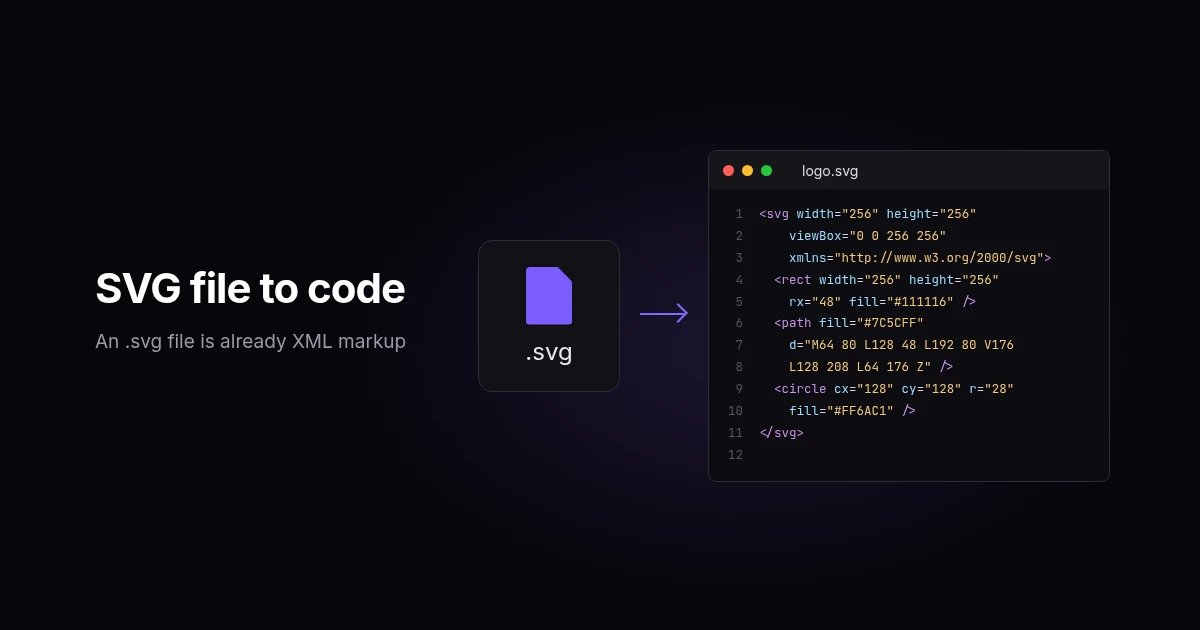
How to get the code from an SVG file
An .svg file is plain XML. Open it in a text editor, or upload it so the markup loads in the editor.
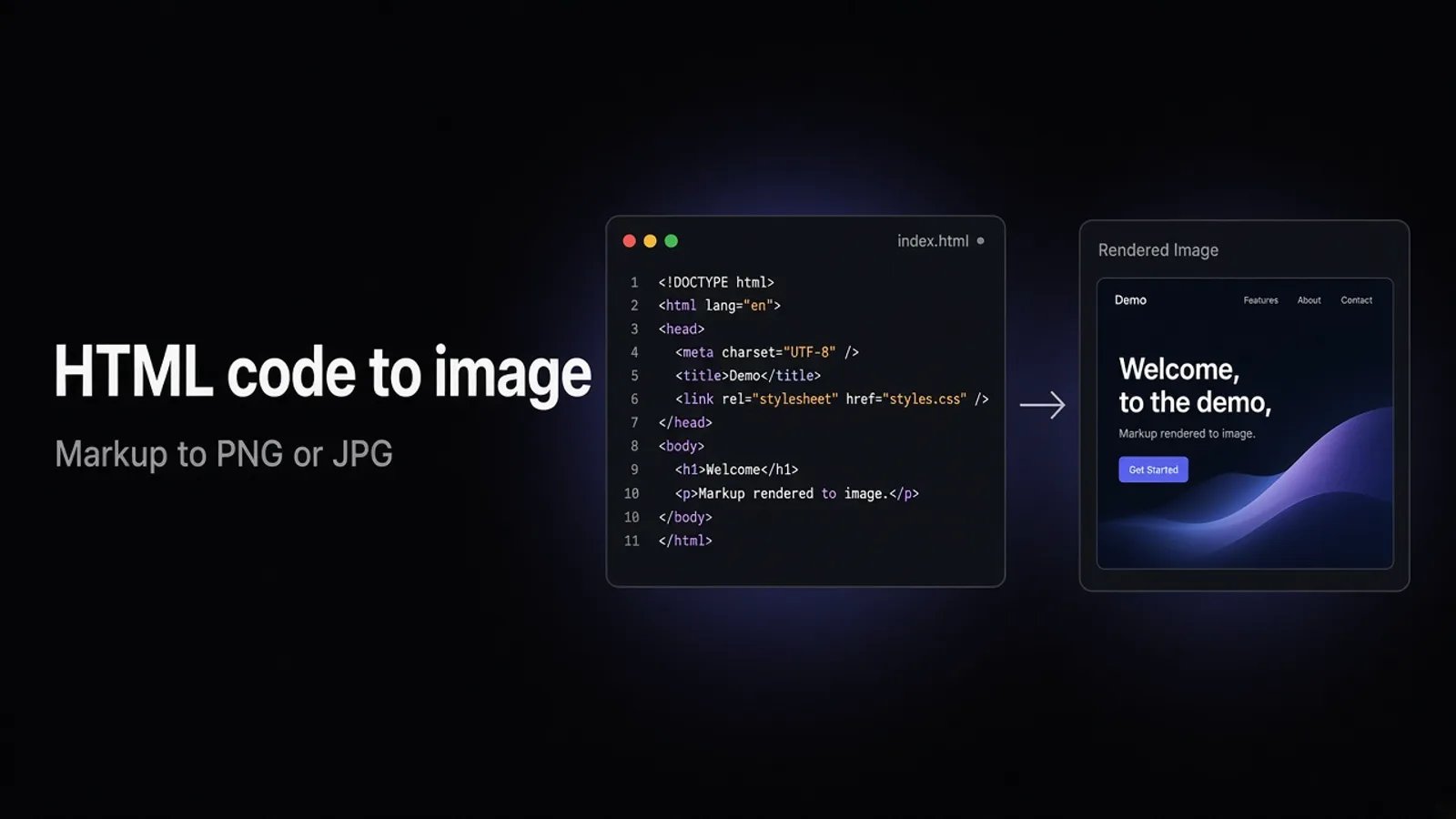
Turn HTML into a PNG or JPG
Have HTML and need a picture of it? Paste the code, preview the rendered result, and download a PNG or JPG in your browser. Nothing is uploaded and no account is needed.
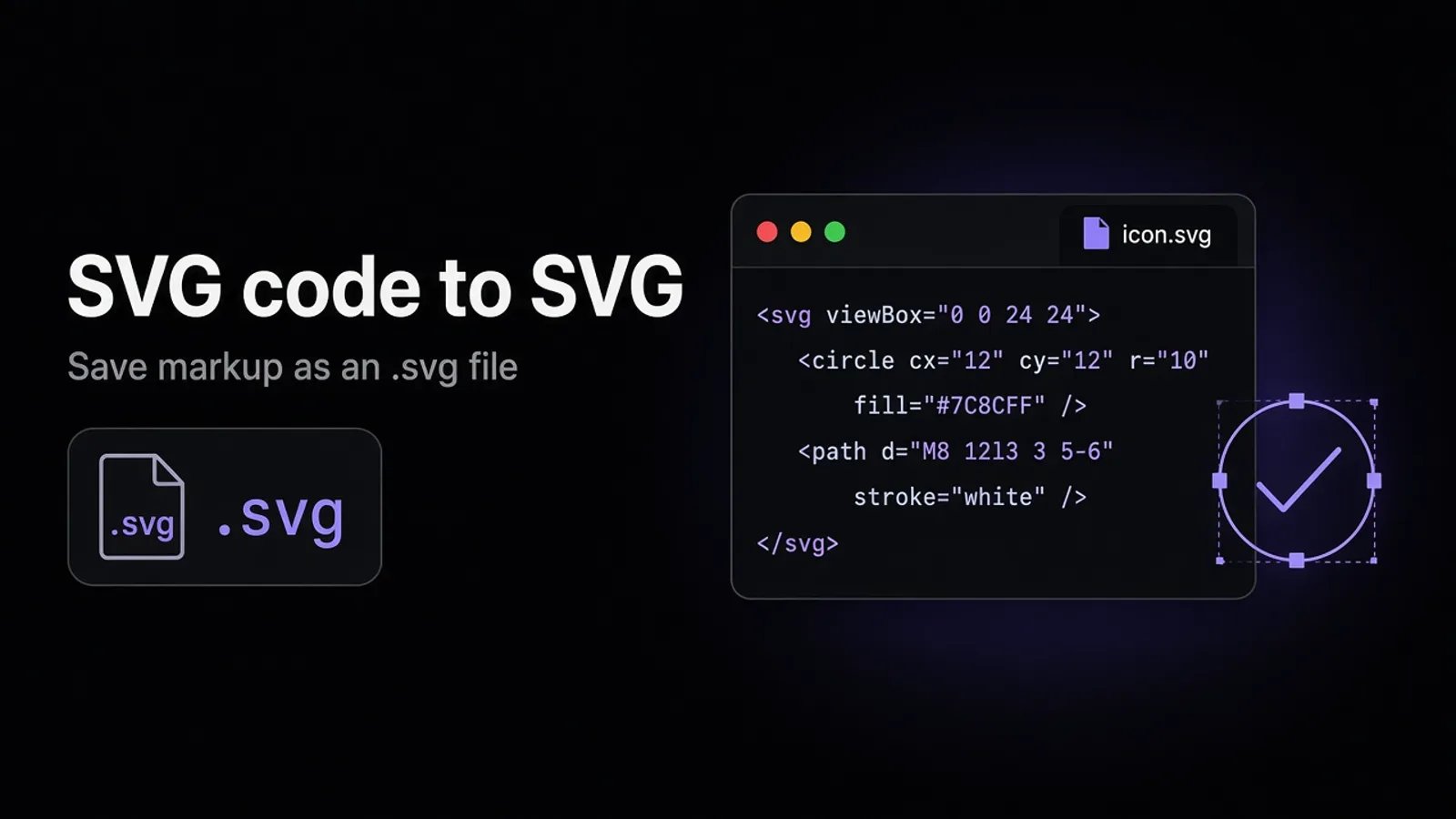
Save SVG code as an .svg file
Turn SVG code into an .svg file: paste it, check the preview and click Download SVG, or save the markup from any text editor with the .svg extension.
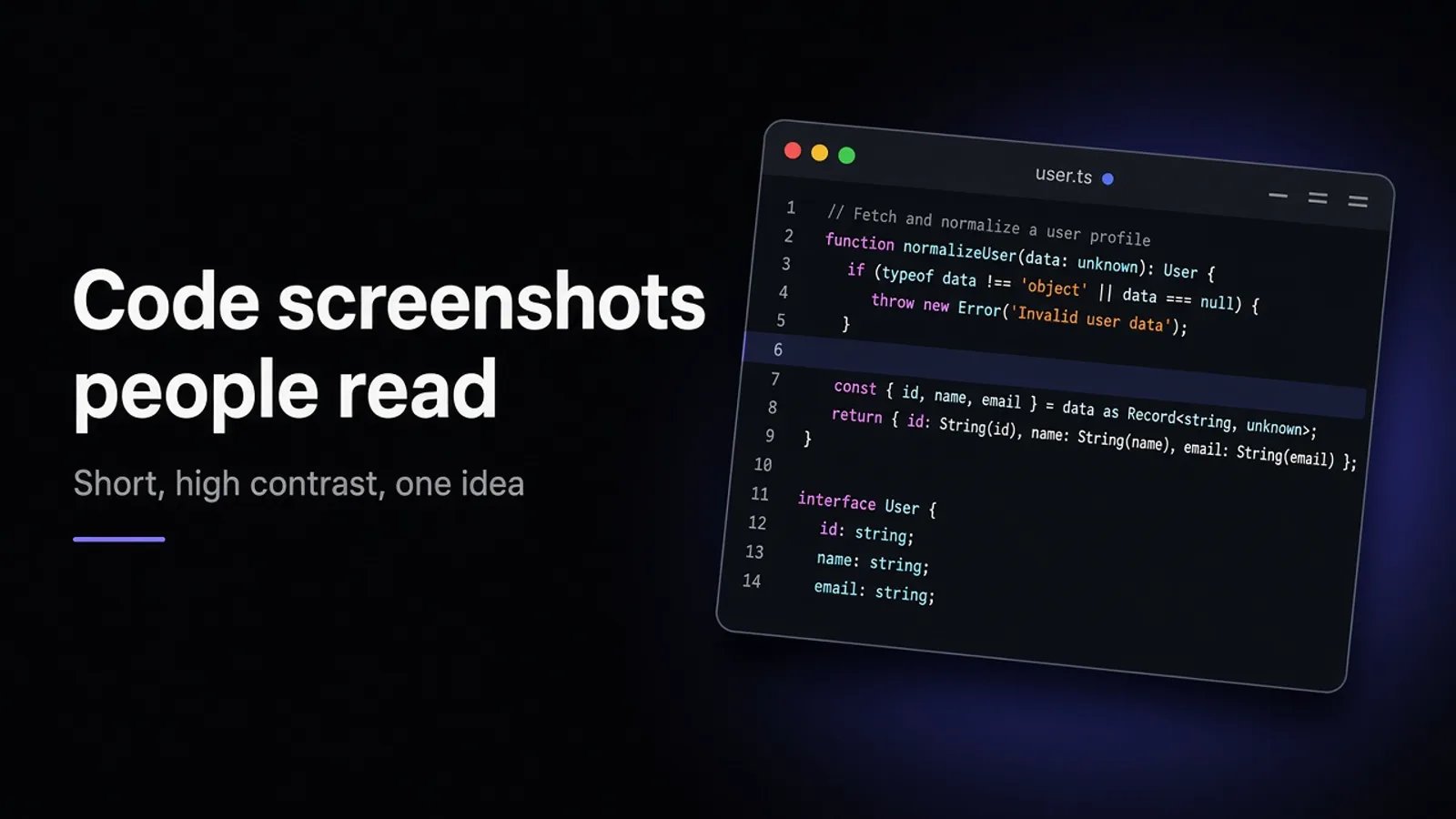
How to make a code screenshot people can read
Three ways to turn code into a clean image, plus what makes a code screenshot easy to read.
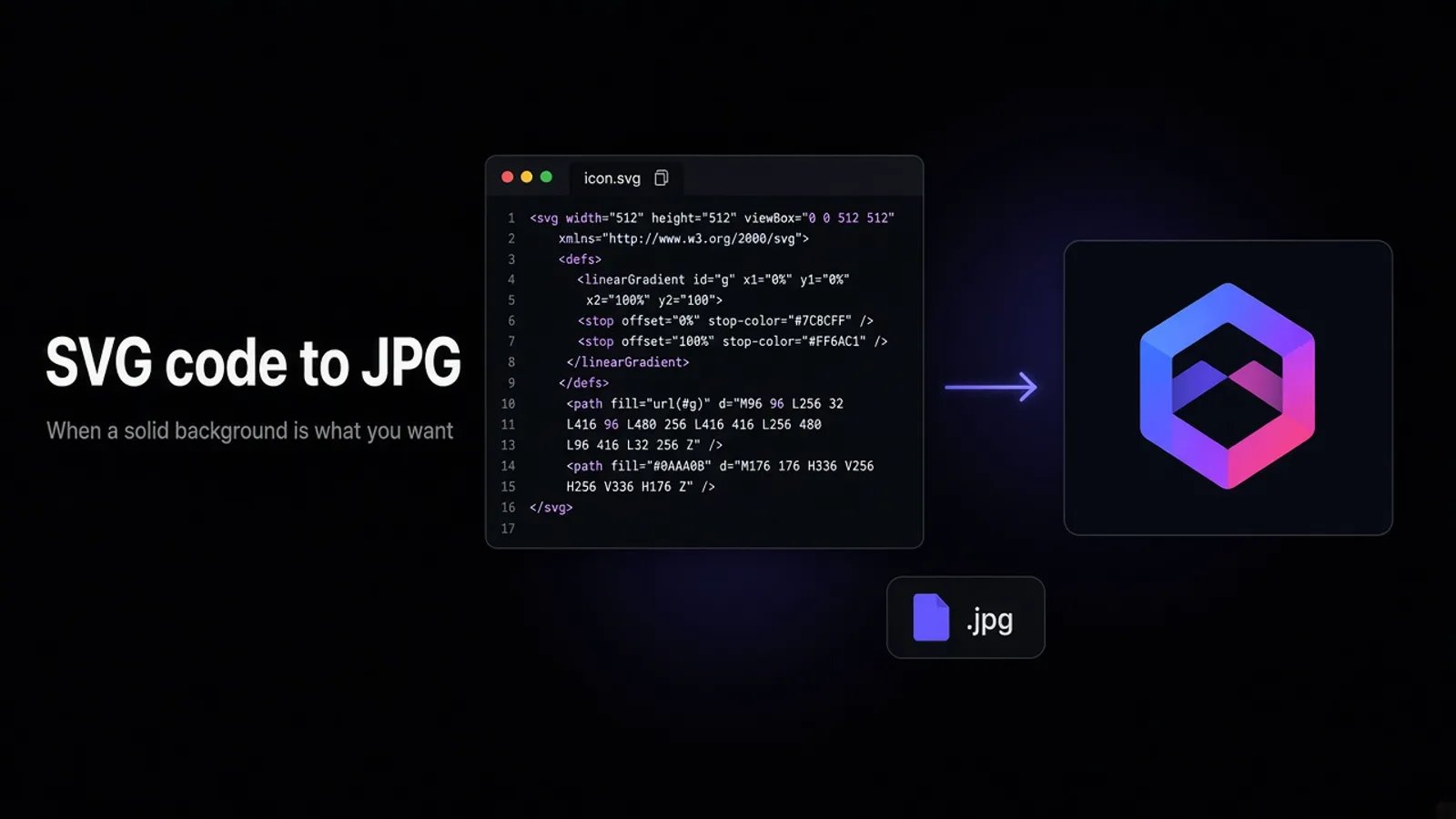
When to use JPG instead of PNG for SVG
Convert SVG code to JPG in your browser at 500 to 2000 px. Learn when JPG beats PNG, why the background turns white, and how to avoid blurry exports.
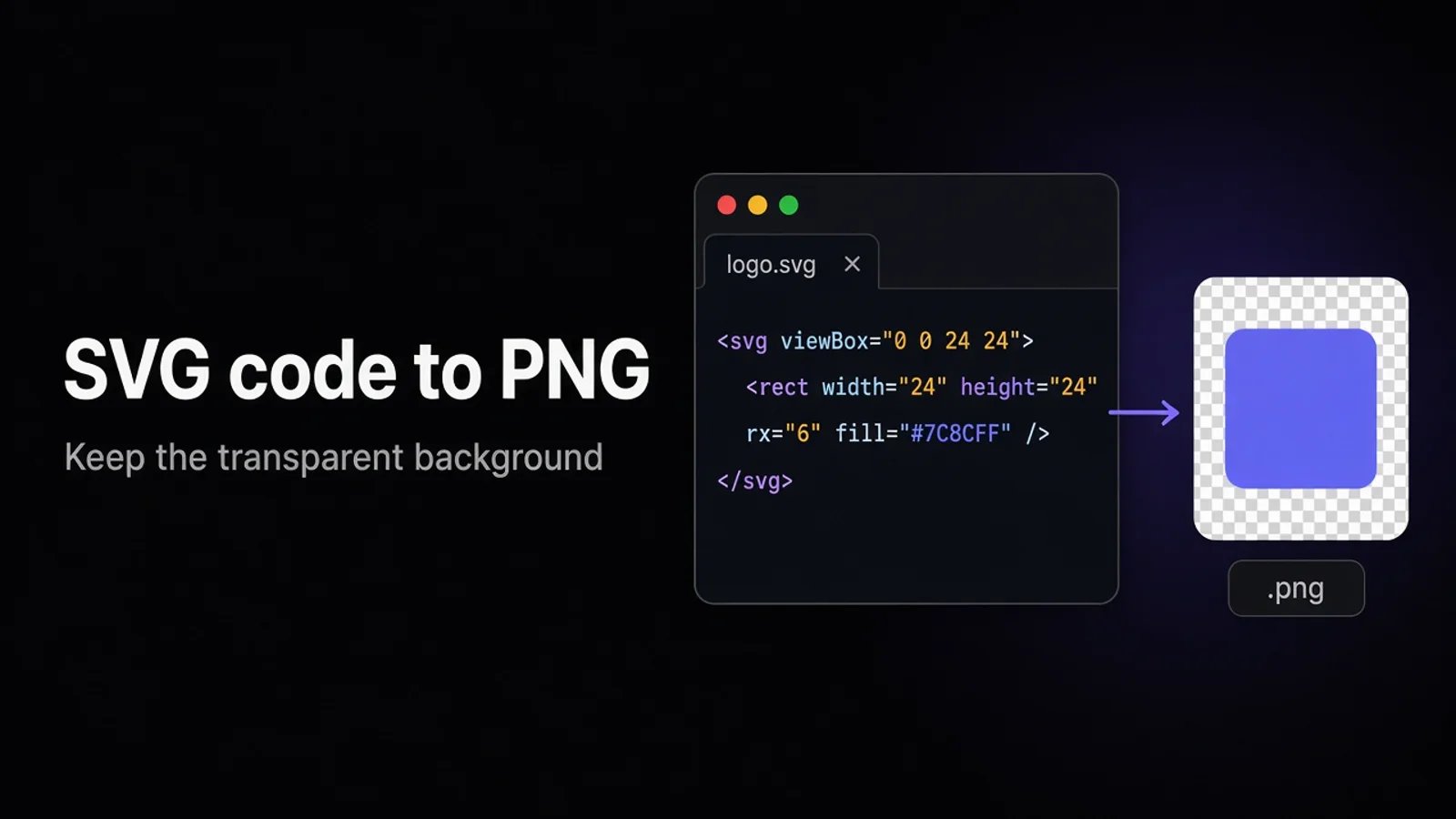
How to get a transparent PNG from SVG code
Why an SVG turns into a PNG with a white box, how to find and remove the background in the markup, and how to check the PNG is really transparent.