A Carbon alternative for code images and videos
Compare Snipsco with Carbon and ray.so for code images: what each one exports, which sizes it offers, and when Carbon is all you need.
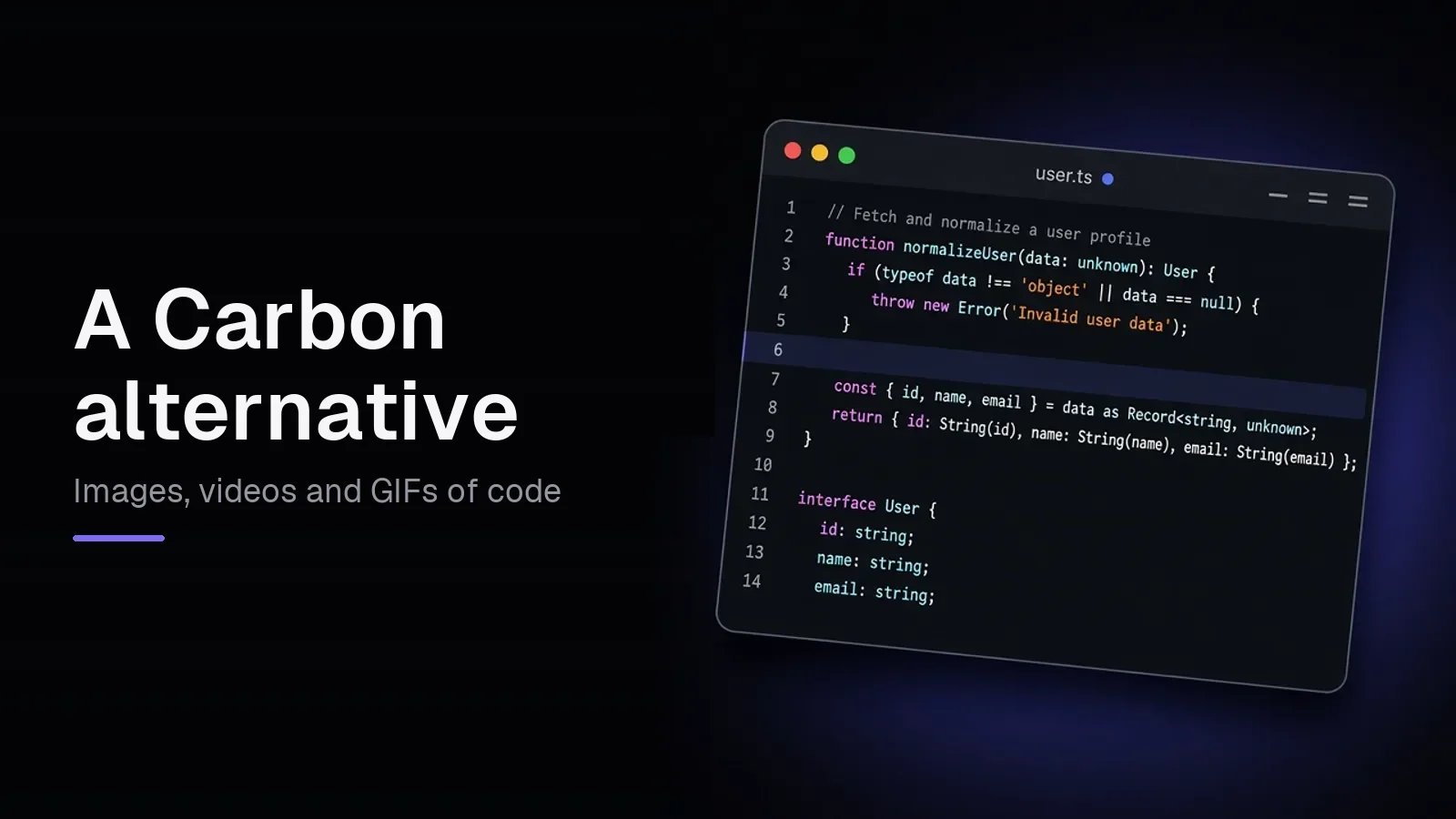
Carbon is the best-known way to turn code into an image, and ray.so from Raycast is the other one most people find. Both are free and both do the core job well. Snipsco does the same job and adds the parts they leave out: fixed sizes for social posts, video and GIF, diff images, and a public link you can embed. Here's how the three compare, and when you don't need anything but Carbon.
Snipsco vs Carbon vs ray.so
| Snipsco | Carbon | ray.so | |
|---|---|---|---|
| PNG export | 1x free, 2x with Pro | 1x, 2x, 4x | 2x, 4x, 6x |
| SVG export | No | Yes | Yes |
| Copy image to clipboard | Yes | Yes | Yes |
| Fixed sizes | 16:9, 1:1, 4:5, 9:16 | Auto width or square | Drag the frame width |
| Highlight lines | Yes | Yes | Yes |
| Line numbers | Yes | Yes | Yes |
| Diff image (added and removed lines) | Yes | No | No |
| Video (MP4) and GIF | Yes, with Pro | No | No |
| Public link and embed | Yes, free account | Embed link for saved snippets | Share link |
| Price | Free 1x, Pro $6/mo or $48/yr | Free, open source | Free |
Carbon and ray.so details are from their open source code on GitHub, checked on 5 November 2026.
What Snipsco adds
Sizes that fit the feed. Code to image exports at 16:9, 1:1, 4:5 or 9:16. At 1x that's 1920×1080, 1080×1080, 1080×1350 and 1080×1920, so the image fills an X or LinkedIn post, an Instagram post or a story without cropping. Carbon and ray.so size the image to the code instead.
Video and GIF. Code to video animates your snippet (typing, line by line, fade or highlight) and exports an MP4 or a looping GIF. A short clip stops the scroll in a way a still image often doesn't, and a GIF plays in a README or a Slack thread. Video and GIF export are part of Pro.
Diff images. Diff to image takes a .diff or .patch and shows added and removed lines in green and red, which is the quickest way to show what a pull request changed.
A link you can share and embed. Publish a snippet to a page at snipsco.com/s/… with the image and the code as copyable text. Each page has an embed code for a blog or docs, and Notion and Ghost embed it when you paste the link. A free account keeps up to 10 published snippets.
What's the same
All three let you paste code, pick a language and a theme, set the padding and the window style, highlight the lines that matter, and download or copy a PNG. None of them needs an account to make an image.
When Carbon is enough
Snipsco isn't the right pick for everyone. Stay with Carbon or ray.so when:
- You need SVG. Both export vector images. Snipsco exports PNG only.
- You want a large PNG for free. Carbon's 2x and 4x and ray.so's 2x to 6x are free. Snipsco's 2x needs Pro.
- You want open source. Carbon is MIT licensed and you can host it yourself.
- You only make the odd image for a doc. If the size doesn't matter and you'll never need video, either one does the job.
How to switch
- Copy your code from Carbon, ray.so or your editor.
- Open Code to image and paste it. Prettier formats supported languages on paste.
- Pick a theme and a size, click a line number to highlight it, and download the PNG.
For a clip of the same snippet, click the film icon (Make a video) in the export bar to open it in Code to video.
Questions
Is Snipsco free like Carbon? Yes, for 1x PNG images. Download and copy at 1x are free with no account. Pro adds 2x PNG, MP4 and GIF export for $6/mo or $48/yr.
Can I import a GitHub gist like in Carbon? No. Copy the code from the gist and paste it into Code to image.
Does Snipsco have the same themes as Carbon? Not the same list. Snipsco has its own set of themes, including popular ones like Dracula and Nord.
Is ray.so better than Carbon? They do the same job. ray.so has larger free PNG sizes and detects the language for you. Carbon is open source and imports GitHub gists. Pick the one whose look you prefer.
Try the tool
Paste code, pick a theme, and export a PNG in 16:9, 1:1, 4:5, or 9:16.
Create a code image