Code snippet images and videos, from any code
Paste code, SVG or HTML. Pick a theme and size. Download a 1x PNG with no account.
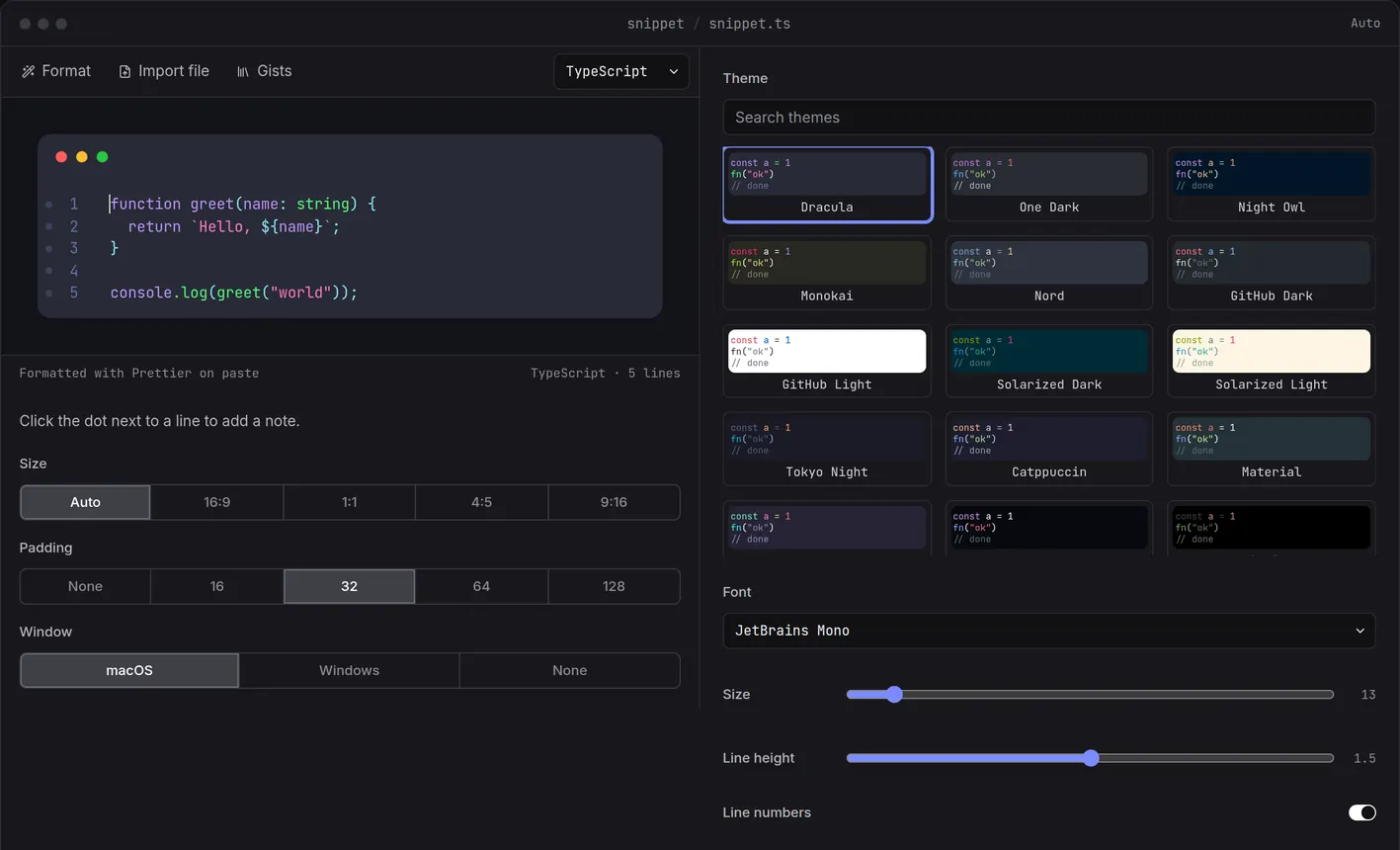
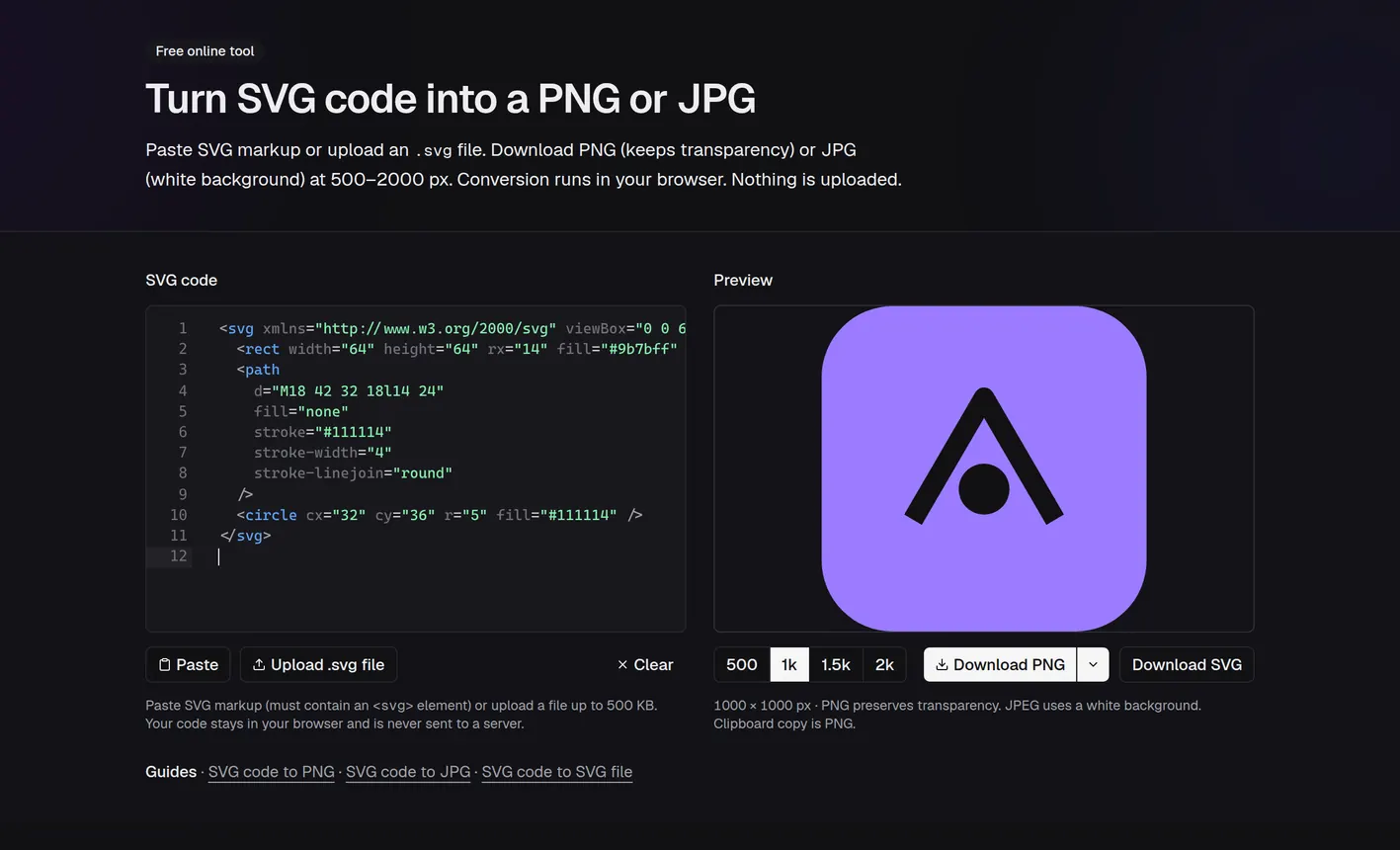
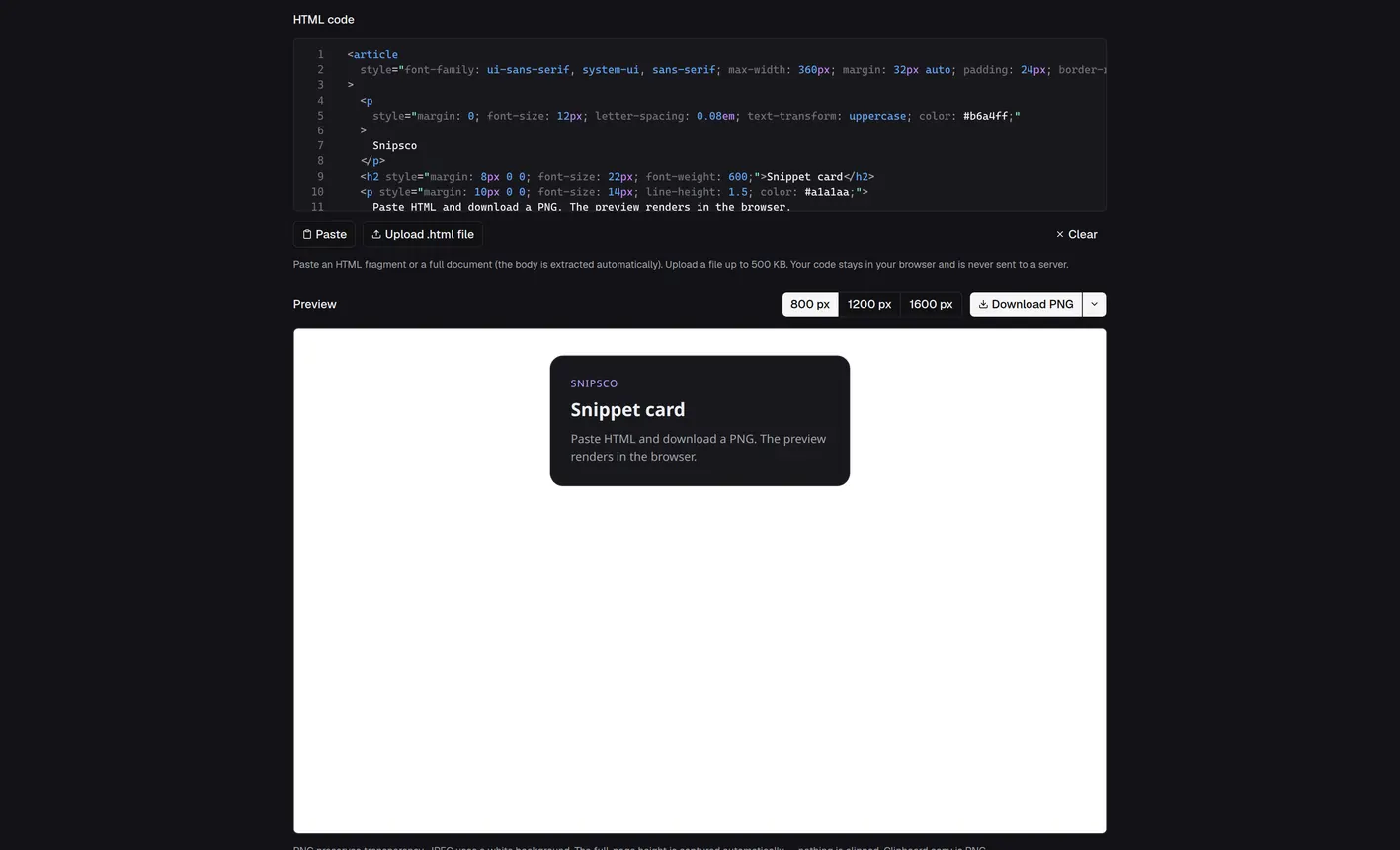
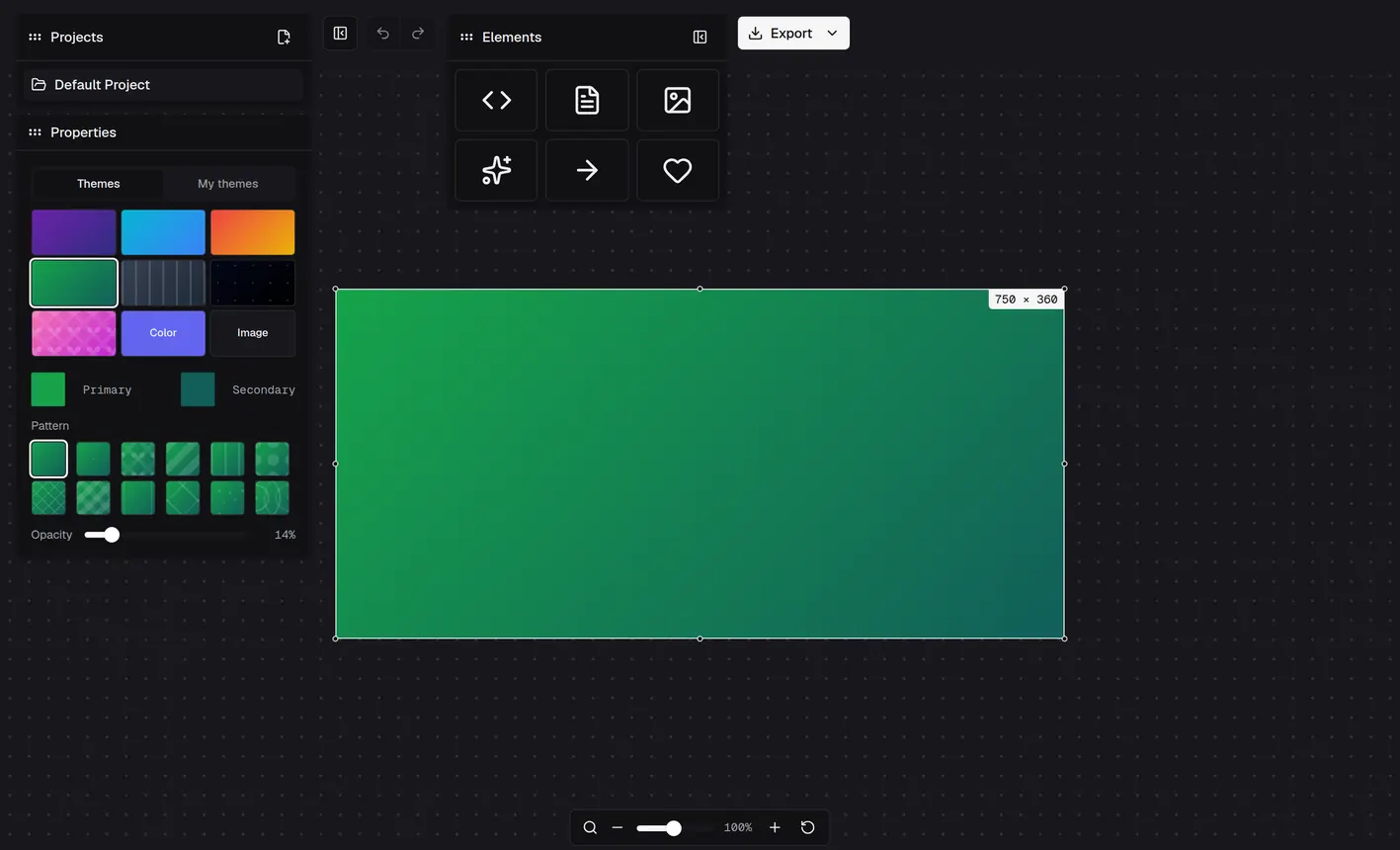
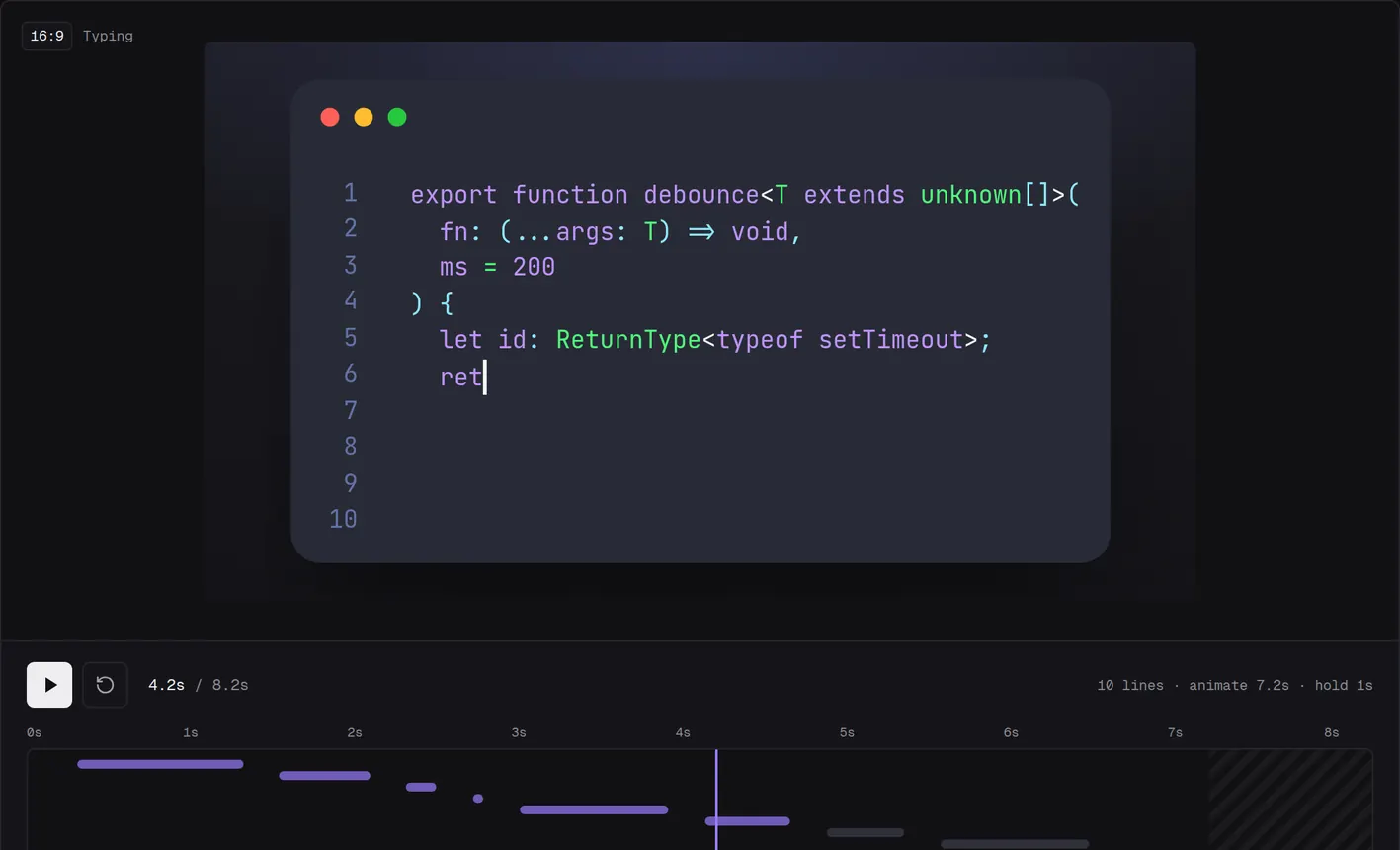
1x PNG export is free with no account · 2x and MP4 exports are Pro
How it works
Three steps
Paste code or send it from your editor, then download the image or copy it.
- 01
Paste your code
Drop in the code you want to turn into an image.
- 02
Send code from VS Code or Cursor
Select code in the editor and send it.
- 03
Download or copy
1x PNG is free with no account. 2x and MP4 are Pro at $6/mo.
Gists
Gists collection
Your personal collection of code snippets, stored in the cloud.
AvailableVS Code
Select code, run Snipsco: Send Snippet, and it lands in your Gists.
Install from VS Code Marketplace →
AvailableCursor
Install from Open VSX. Works in Cursor, Windsurf and VSCodium.
Install from Open VSX →
Coming soonJetBrains IDEs
IntelliJ IDEA, WebStorm, PyCharm, and the full JetBrains family. Highlight your snippet and send it with one action.
Tools
Make an image or a video
Five tools for code, SVG and HTML. Four work without an account, and Code to video needs Pro.
- No account
Code to image
Paste code, pick a theme, mark lines, and export a PNG. 1x needs no account. 2x needs an account and Pro.
PNG - No account
SVG code to image
Convert SVG markup to PNG or JPEG in the browser. Nothing is uploaded.
PNG · JPEG - No account
HTML code to image
Convert HTML markup to PNG or JPEG in the browser. Nothing is uploaded.
PNG · JPEG - No account
Code snippet canvas
Create code snippet images on a free canvas. Syntax highlighting, shapes, arrows, and text. Export PNG.
PNG - Pro
Code to video
Turn a code snippet into a short video.
MP4
Pricing
Free vs Pro
1x PNG is free with no account. 2x and MP4 are Pro at $6/mo.
Pro
$6/mo
- 2x PNG exports
- MP4 export in Code to video
FAQ
Questions
How the snippet tool and converters work.
What is the code to image tool?
Paste code, pick a theme, and highlight lines. The preview renders in your browser. 1x download and copy need no account. 2x is Pro.
Do I need to sign in?
Editing, preview, and 1x download and copy need no account. 2x PNG and MP4 export need a sign-in, then Pro. Sign in to save a project. The SVG and HTML converters never need an account.
What are the other tools?
Code to video animates a snippet and exports an MP4. SVG Code to Image and HTML Code to Image turn markup into PNG or JPEG in your browser, and nothing is uploaded. The canvas is a manual editor with shapes, arrows, and text. Gists keeps your saved snippets.
What is free?
1x PNG download and copy. No account needed.
What does Pro include?
2x PNG exports and MP4 export in Code to video. Pro is $6/mo or $48/yr. Sign in, then upgrade.
Ready to make a snippet image?
Paste your code, pick a theme, and export a PNG. 1x is free with no account. 2x and MP4 are Pro at $6/mo.